

The editor works out how big the toy will be from your gauge.
Read the size
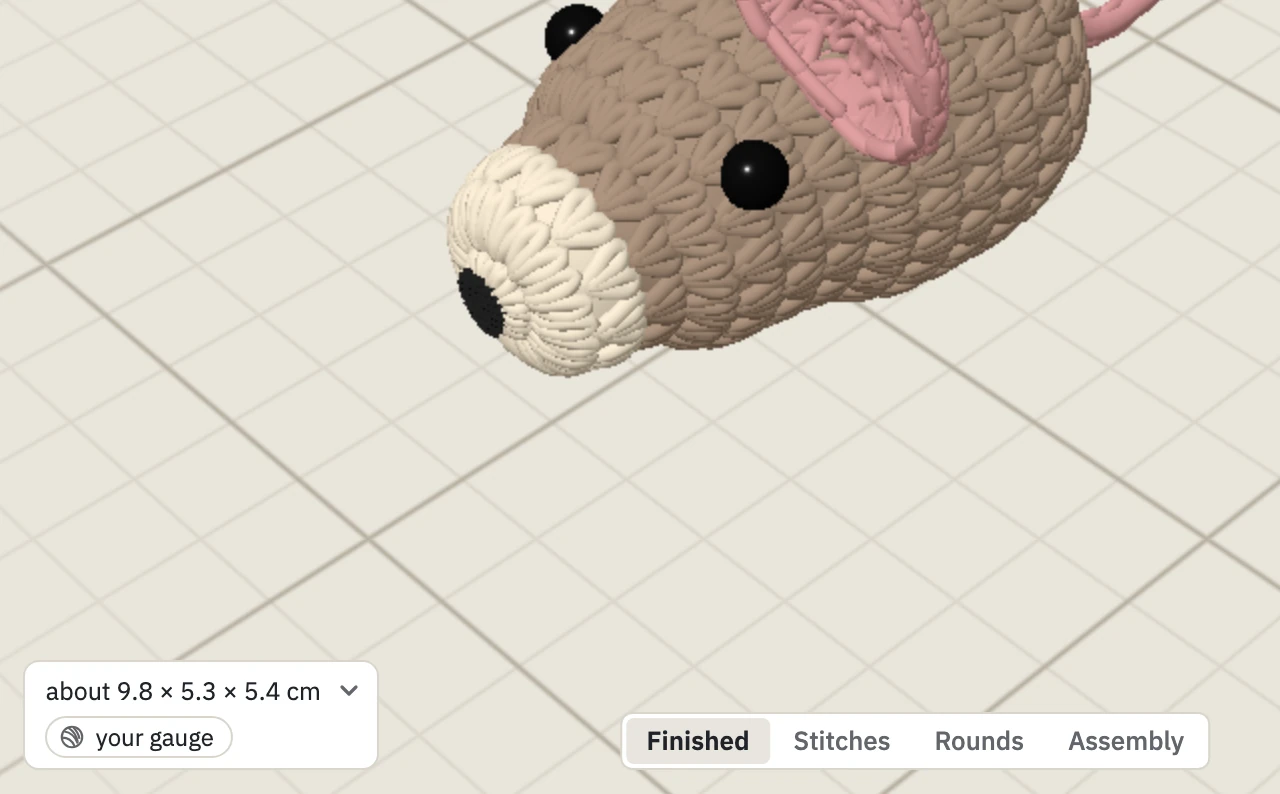
The size is under the toy: length × width × height, in centimetres. It is a guide. Your stuffing and tension change the real toy a little.
Select a part in Edit to see the size of that part alone.
Set your gauge
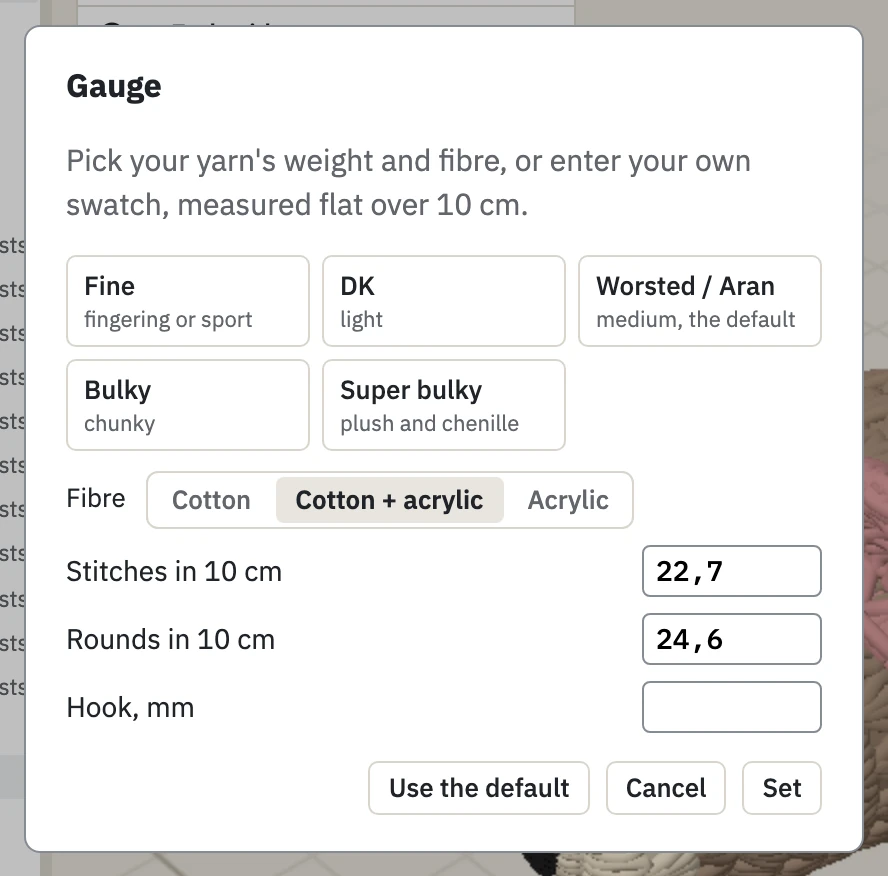
Click the gauge under the size. Then do one of these:
- Pick your yarn weight and fibre.
- Enter your own swatch: stitches and rounds in 10 cm, measured flat.
Click Set. The toy is redrawn at the new size, and a Gauge line is written at the top of your pattern.
Write the gauge in the text
Field Mouse
Gauge: 21 sts x 25 rounds in 10 cm, 3.25 mm hookA swatch in inches is read too. So is the yarn by name:
Field Mouse
Gauge: DK cottonIf you do not know your gauge yet
Leave it out. The editor uses a medium yarn, worsted or aran, until you set your own. Pick your yarn weight for a closer size, and enter your swatch when you have crocheted one.
What gauge changes
Gauge changes the size of the toy. It does not change your rounds or stitch counts. To make the toy bigger with the same yarn, add stitches and rounds: see Edit the text.